
Your Sigma Pro
setup guide
From your XRPL wallet to the Sigma Pro Engine and Sigma Elite community. Follow the steps below, or jump to the connection you need.
Open Member PortalChoose your wallet
Use a self-custody XRPL wallet to hold your SIGMA. Portal verification currently supports Xaman only. Joey is not yet supported for portal verification.
Keep your recovery phrase and private keys private. We will never ask you to share them.
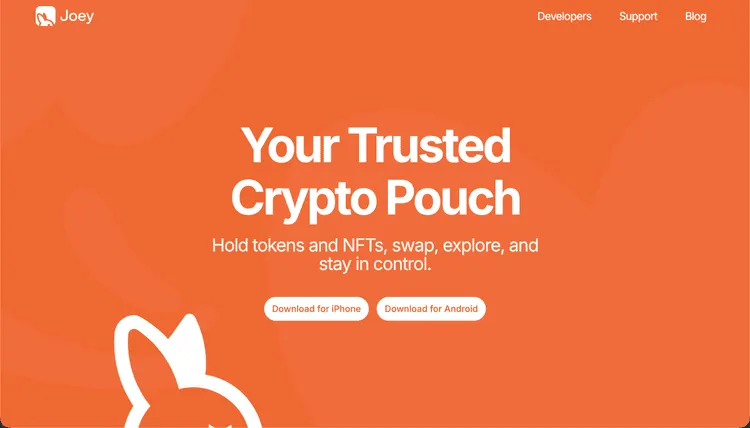
Screenshot unavailable. You can continue using the setup links beside this example.
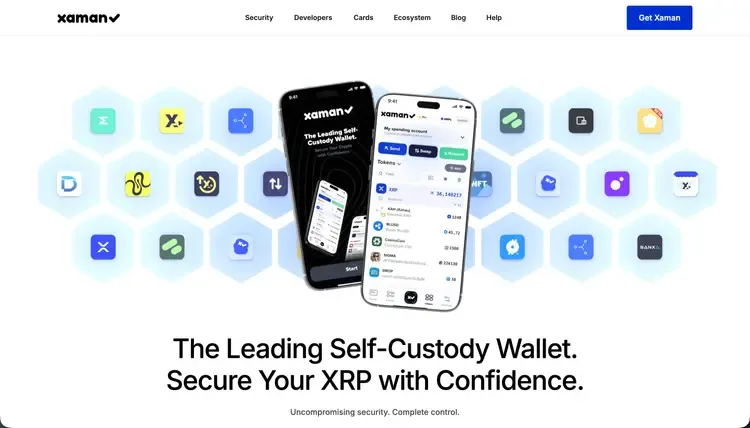
Screenshot unavailable. You can continue using the setup links beside this example.
Set the SIGMA trustline
A trustline lets your XRPL wallet hold a token. If you already hold SIGMA, you already have its trustline and can skip this step.
Use the SIGMA token page below. Check the token issuer and review any reserve or transaction requirements shown in your wallet before approving.
Check the SIGMA issuer
rfKYWZ84fm9eVEdoTcsQCo1WdqMPyaUF5z
Screenshot unavailable. You can continue using the setup links beside this example.
Hold at least 160M SIGMA
Sigma Pro benefits require at least 160,000,000 SIGMA in the single wallet linked to your portal account. If you already meet the requirement, continue to wallet verification.
The screenshots are examples, not current quotes. Buying tokens involves risk; do not purchase solely because this guide shows a token page.
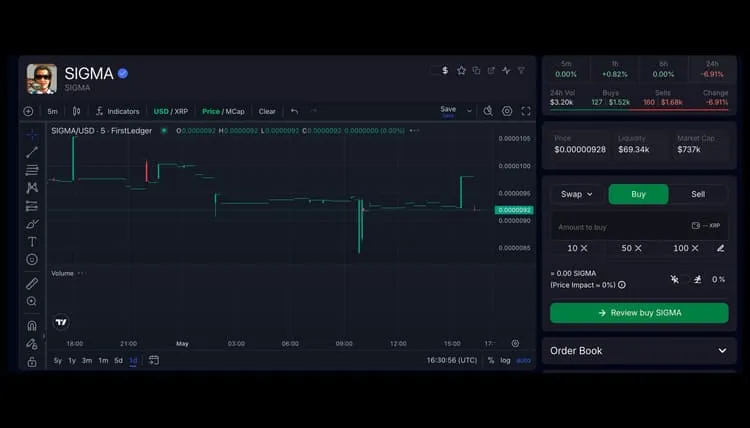
Screenshot unavailable. You can continue using the setup links beside this example.
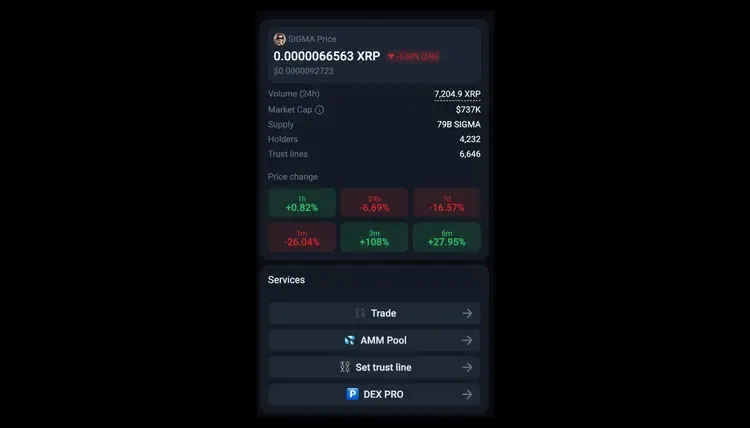
Screenshot unavailable. You can continue using the setup links beside this example.
Verify your wallet in the portal
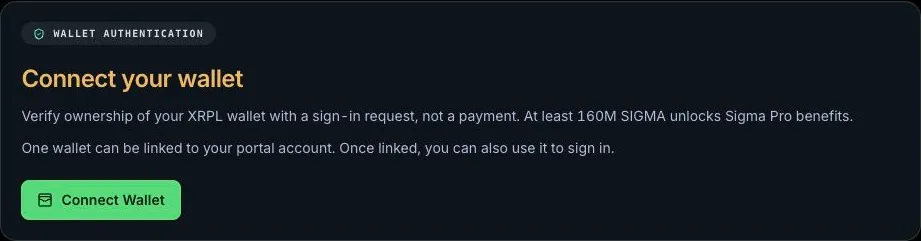
New member: On the Member Portal sign-in page, choose Sigma wallet access. Approve the ownership request in Xaman. A qualifying, previously unlinked wallet can continue through account onboarding, email verification, and password setup.
Existing member: Sign in normally, then open Settings → Channels → Connect your wallet. Do not create a second account. Only one wallet can be linked.
Ownership verification is a sign-in request, not a payment. No tokens are sent, deposited, or custodied. Once linked, your wallet is another sign-in option. If its balance falls below the threshold, wallet sign-in remains available but Sigma Pro benefits are removed immediately.
An already-linked wallet belongs to its existing portal account. If your email already has an account, sign in to link your wallet instead of creating another account.
Screenshot unavailable. You can continue using the setup links beside this example.
Finish setup in the Member Portal
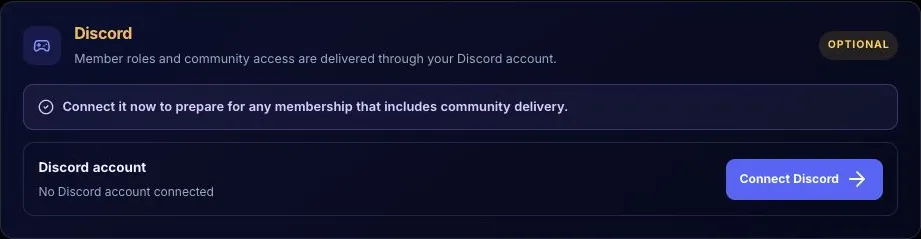
In Settings → Channels, connect Discord after joining the Ticker-Tactix Trading Hub. Use your existing invitation, or ask Member Support for one. Sigma Elite access requires both a qualifying verified wallet and a linked Discord account.
Once setup is complete, open Command Center → Sigma Pro to use your Engine.
Automatic Discord accessSigma Elite access is granted automatically after your qualifying wallet is verified and your Discord account is connected. If access is missing after setup, contact Member Support in the portal.
Your benefits include SIGMA Pro Engine and private SIGMA Discord—not other Ticker-Tactix products or subscriptions.
Screenshot unavailable. You can continue using the setup links beside this example.

Screenshot unavailable. You can continue using the setup links beside this example.